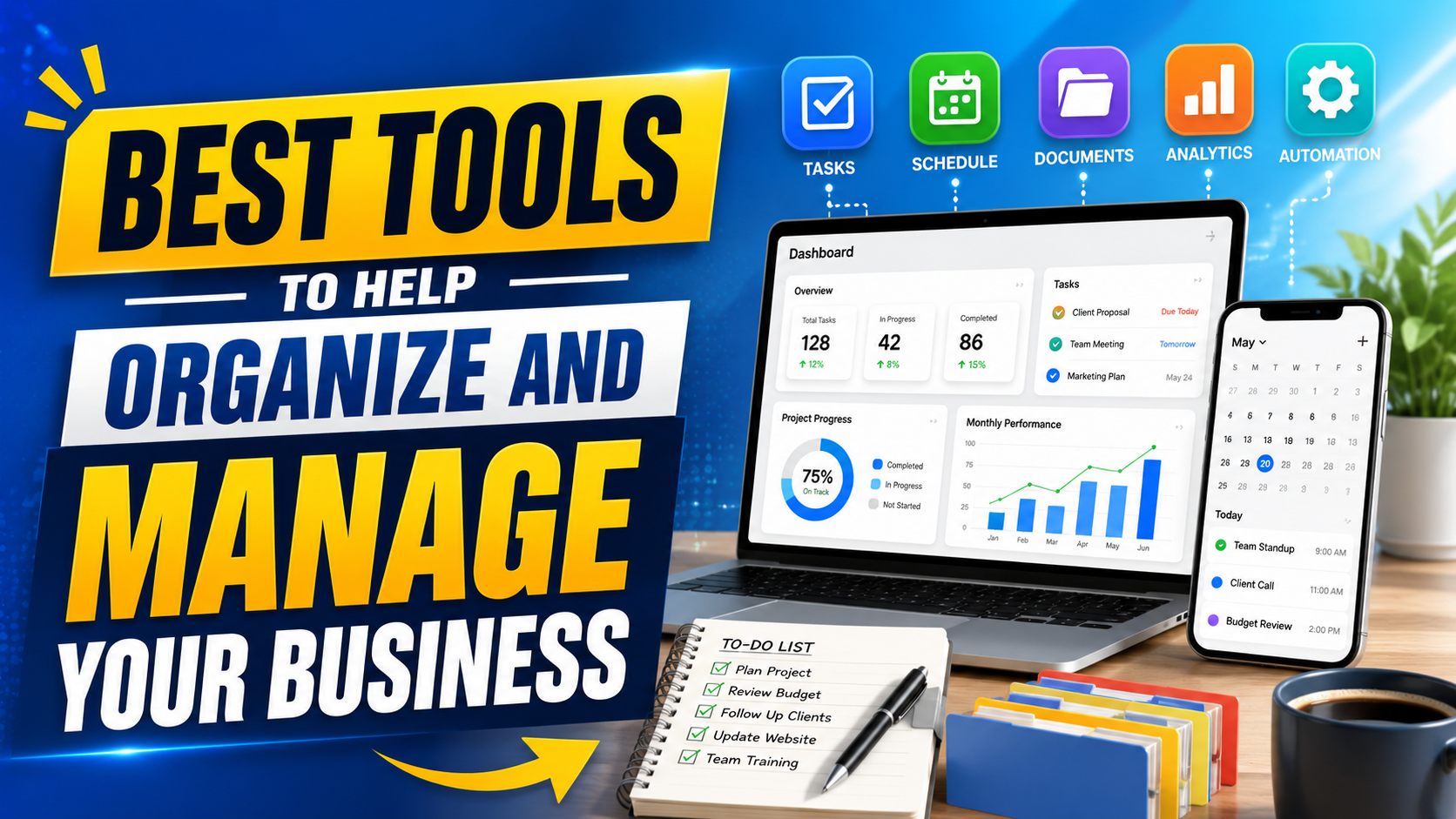
Running a small business means keeping track of tasks, payments, customers, files, posts, meetings, and content at the same time. When everything sits in separate chats, inboxes, folders, and spreadsheets, work gets slower than it needs to be.
The right small business management tools help each part of the business stay visible. A good setup needs a clear tool for each recurring job: planning work, managing customers, handling money, creating content, social media marketing, and storing files.
1. Trello
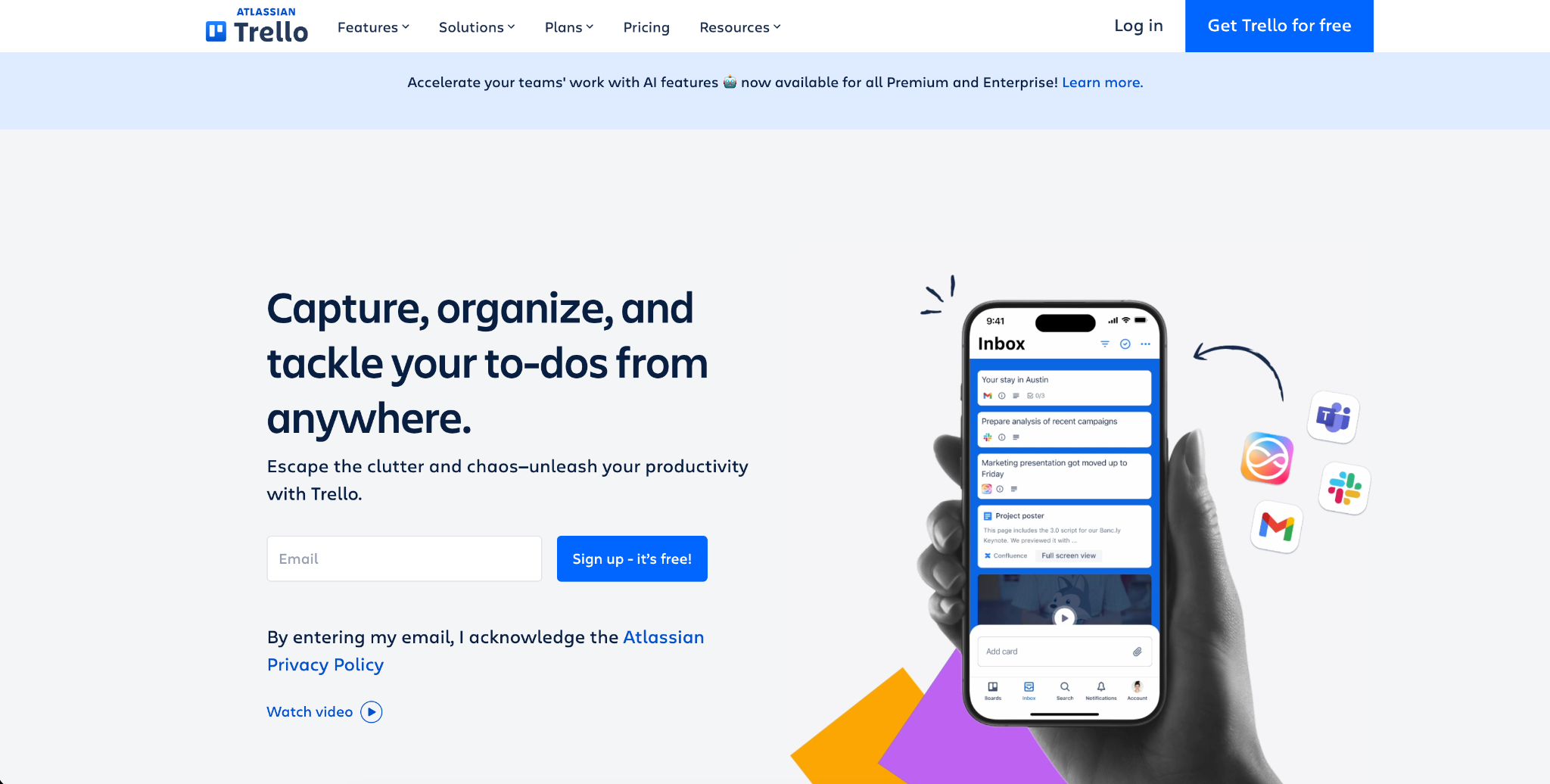
Trello is a good fit for teams that want visual task tracking without a complex setup. It uses boards, lists, and cards, so it is easy to see what needs to be done, what is being worked on, and what is finished.
Small businesses can use Trello for client requests, marketing plans, hiring steps, product updates, and admin work. Each card can include a deadline, owner, checklist, file, and comments.
Trello works best when the board stays clean. Use a few clear columns, assign one owner per task, and archive finished work regularly.
2. Asana
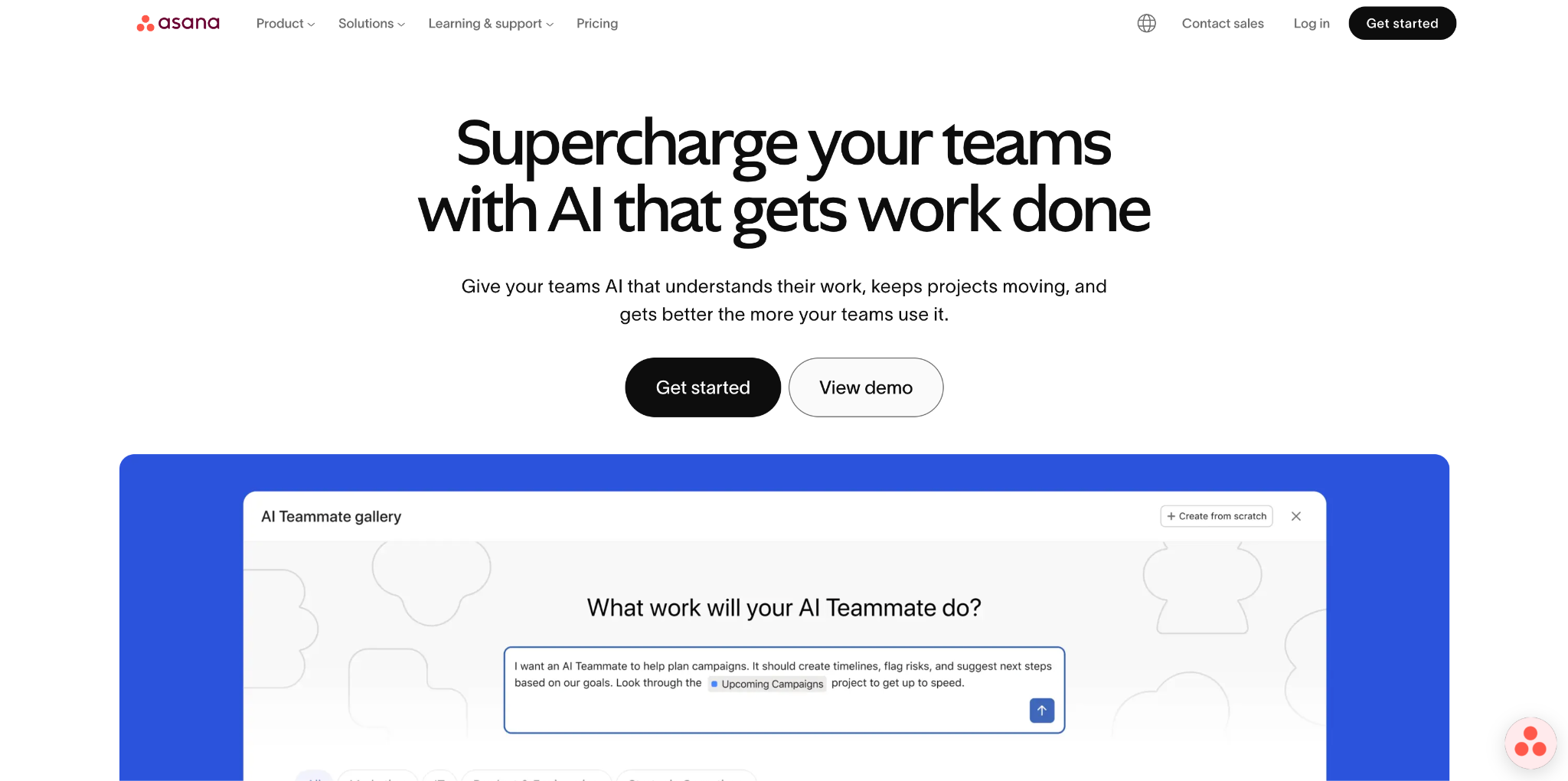
Asana is one of the most practical project management tools for small teams that handle work with several steps. It helps organize tasks, deadlines, owners, timelines, and recurring processes.
A team can use Asana to manage product launches, content calendars, event planning, client onboarding, or weekly operations. It is especially useful when a project has several people involved and each person needs to know what happens next.
Asana can also work as one of the main tools for managing daily business tasks. Repeated work, such as publishing a blog post or preparing a client report, can be turned into a reusable task template.
3. Notion
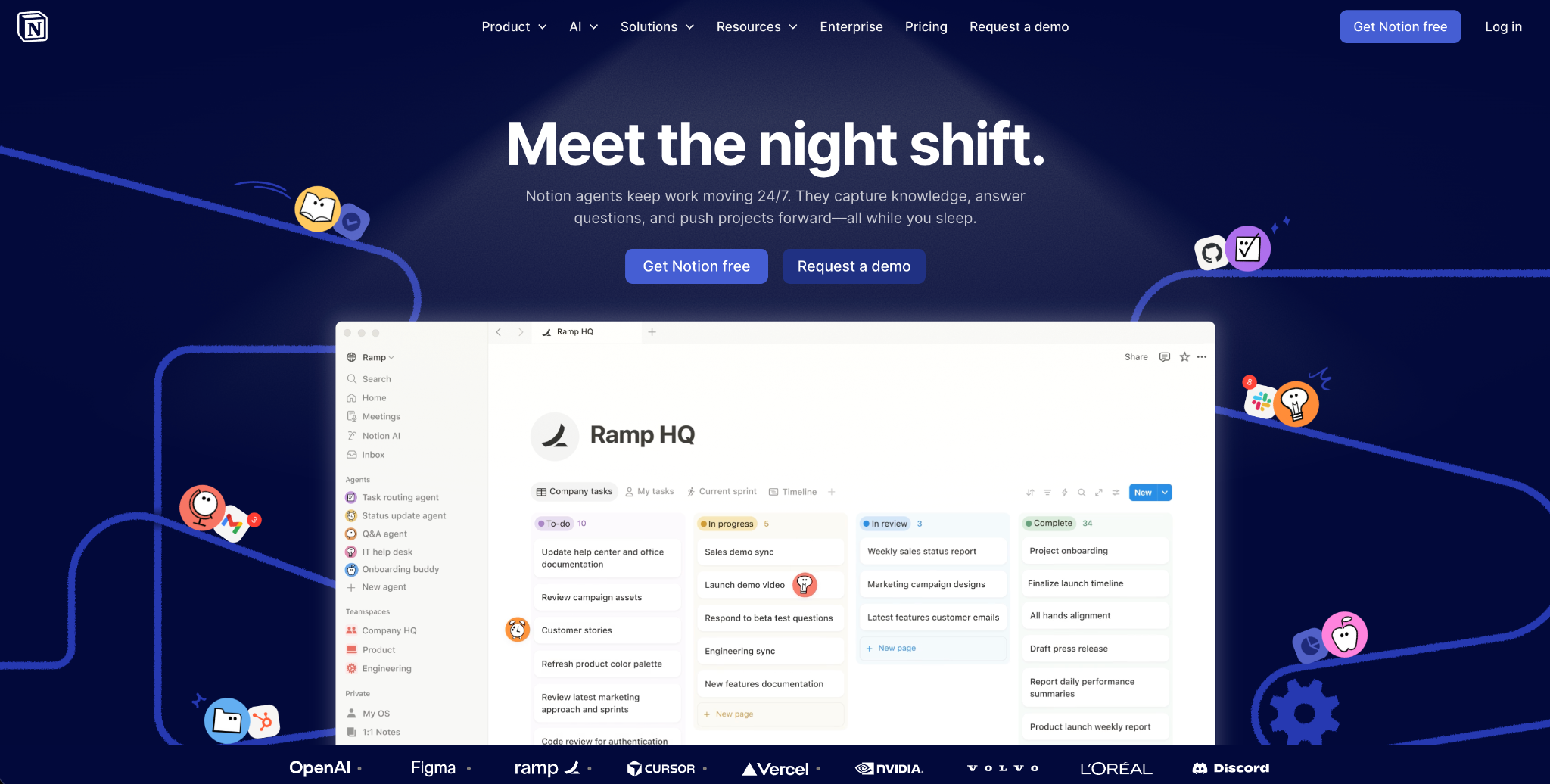
Notion is flexible business organization software for notes, internal documents, checklists, databases, and team information. It can work as a company wiki, meeting archive, content planner, hiring tracker, or process library.
A small business can use Notion to store brand rules, product details, pricing notes, sales scripts, onboarding steps, and FAQ answers. This cuts down on repeated questions and gives the team one place to check how things should be done.
The best way to start is with a few pages people need every week. Add more structure only when the team has a real reason for it.
4. Google Workspace
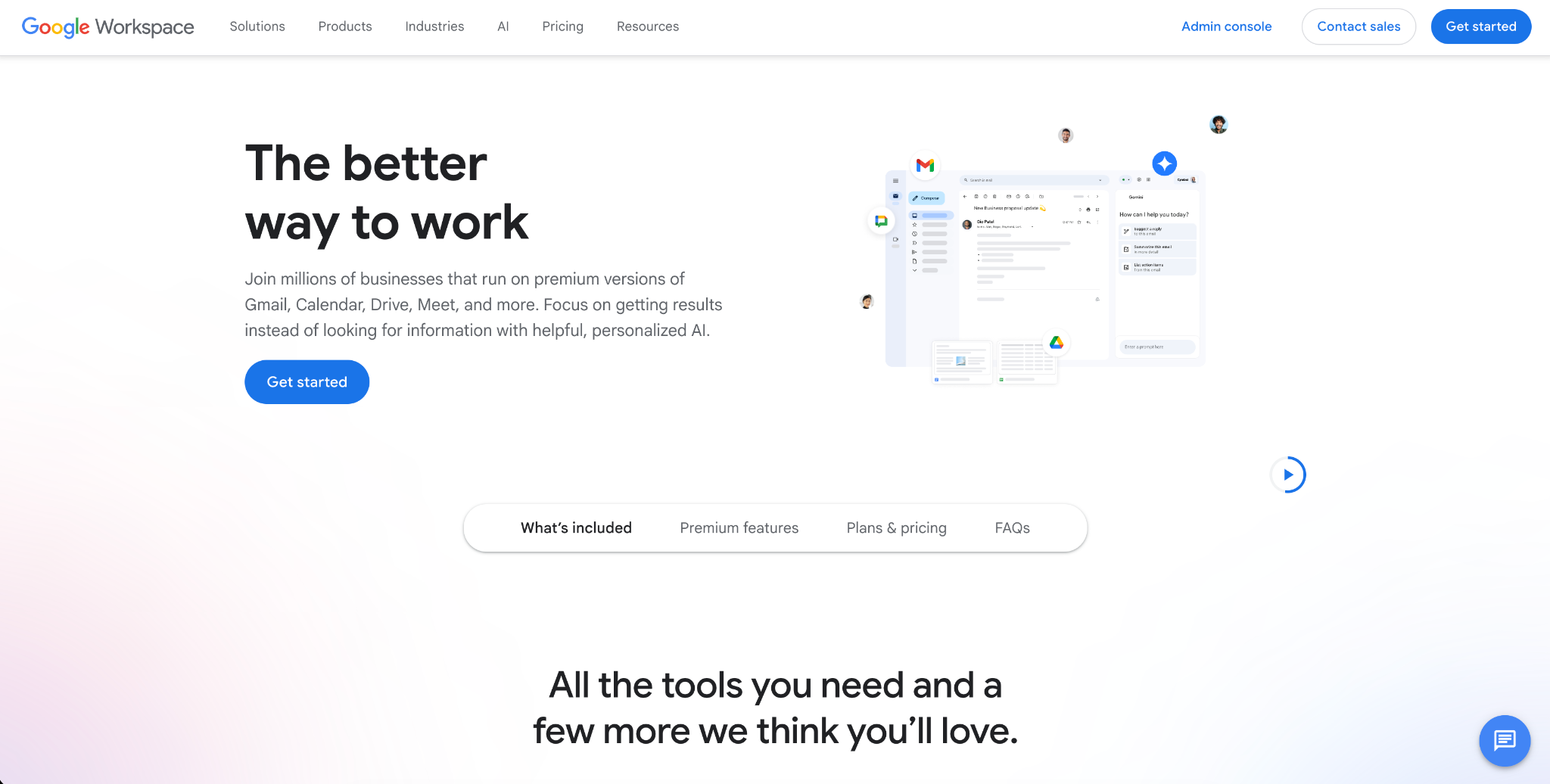
Google Workspace covers email, documents, spreadsheets, presentations, calendars, forms, and shared storage. For many small businesses, it becomes the base for daily work because most people already know how to use it.
Google Docs is useful for drafts, proposals, meeting notes, and feedback. Google Sheets can handle budgets, lead lists, reports, and editorial plans. Google Calendar keeps calls and deadlines easy to find.
It is a good choice when a team needs a shared workspace for everyday files and communication, not a complex operations system.
5. Movavi Video Editor
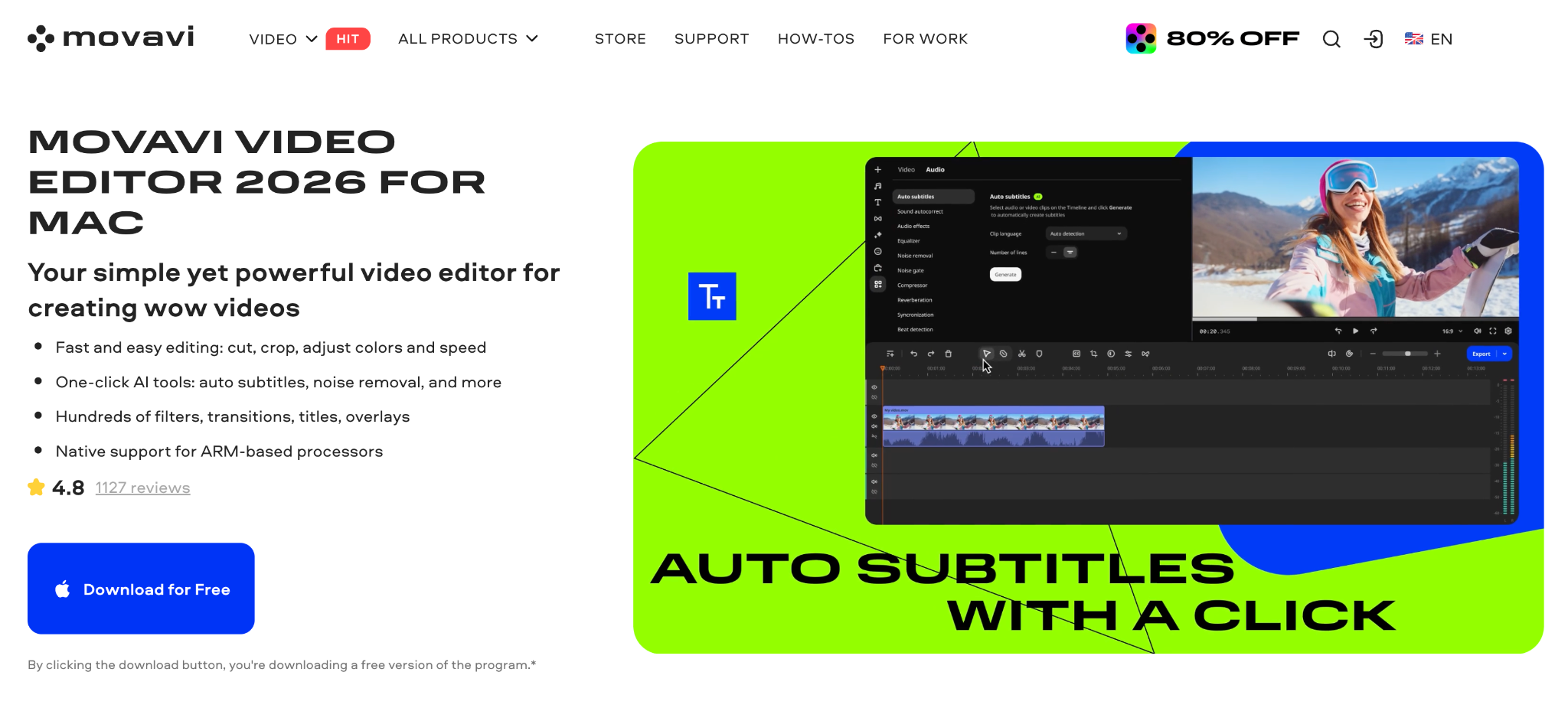
Movavi Video Editor is useful for small businesses that need simple video content for marketing, support, sales, or internal training. A team can use it to trim product demos, add captions to tutorials, prepare short social clips, or turn webinar fragments into shareable videos.
The editor is easy to work with, even for people who do not edit videos every day. Its AI tools can help with common business video tasks, such as adding automatic subtitles, removing backgrounds, tracking moving objects, and reducing unwanted noise. It also includes practical editing features like titles, transitions, filters, export presets for different platforms, and a volume booster that you can try here.
Movavi Video Editor can be a practical part of video tools for business marketing without adding a heavy production process.
6. QuickBooks
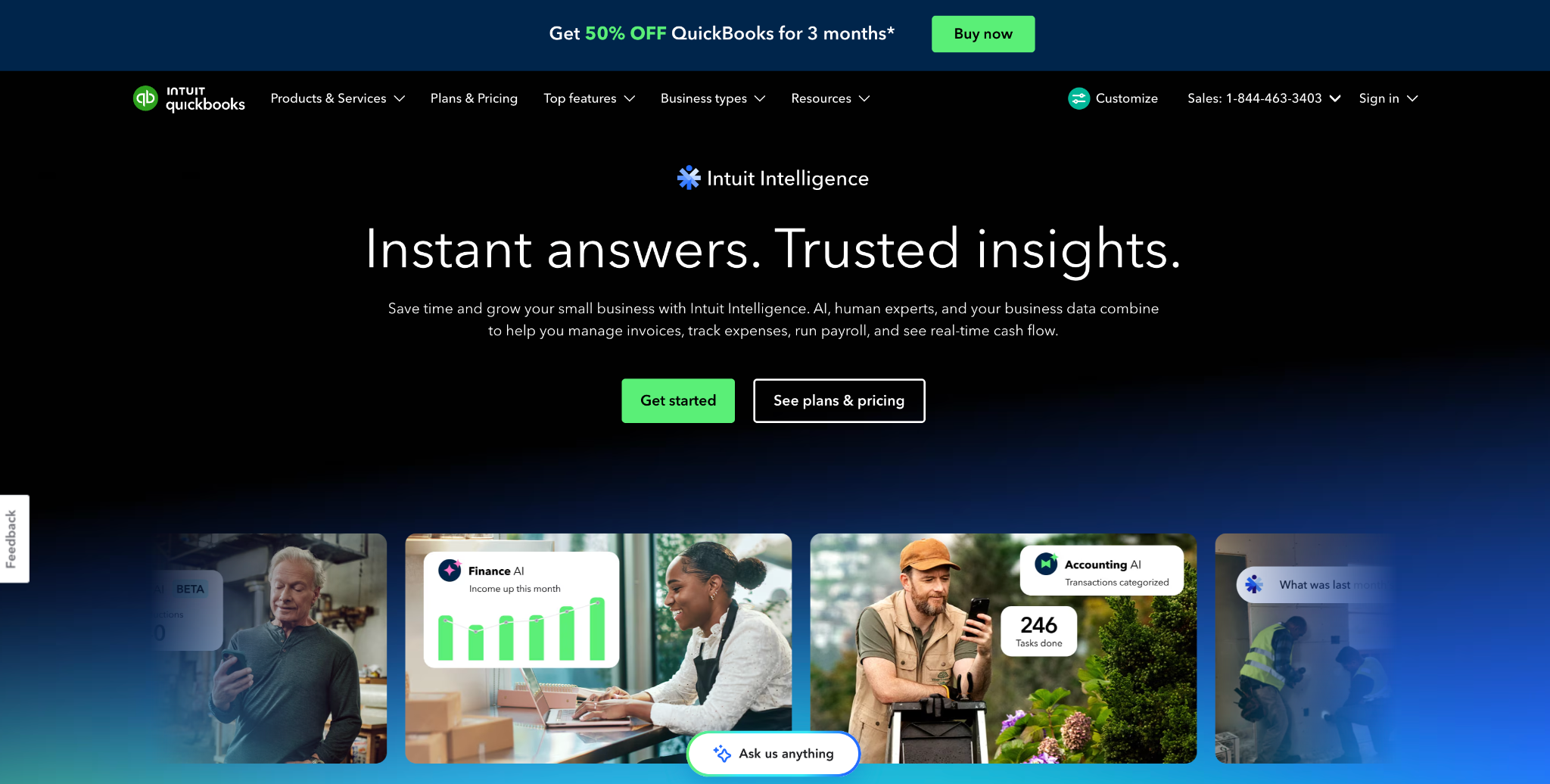
QuickBooks is one of the most widely used accounting tools for small businesses. It helps track invoices, expenses, payments, bank activity, reports, and tax-related data.
It is useful when a business owner needs to see unpaid invoices, monthly income, regular costs, and cash flow without checking several spreadsheets. Accountants can also be given access, which makes reporting easier.
Before choosing it, check whether it supports your country, currency, tax rules, and payment methods. Accounting software should match how the business gets paid.
7. Xero
Xero is another strong accounting option for small companies. It covers invoicing, bank reconciliation, expense tracking, financial reports, and accountant access.
It works well when several people need different permissions. A founder can view reports, an operations manager can check invoices, and an accountant can handle reconciliation.
Xero is a good step up for businesses that have outgrown manual finance tracking but do not need enterprise accounting software.
8. HubSpot CRM
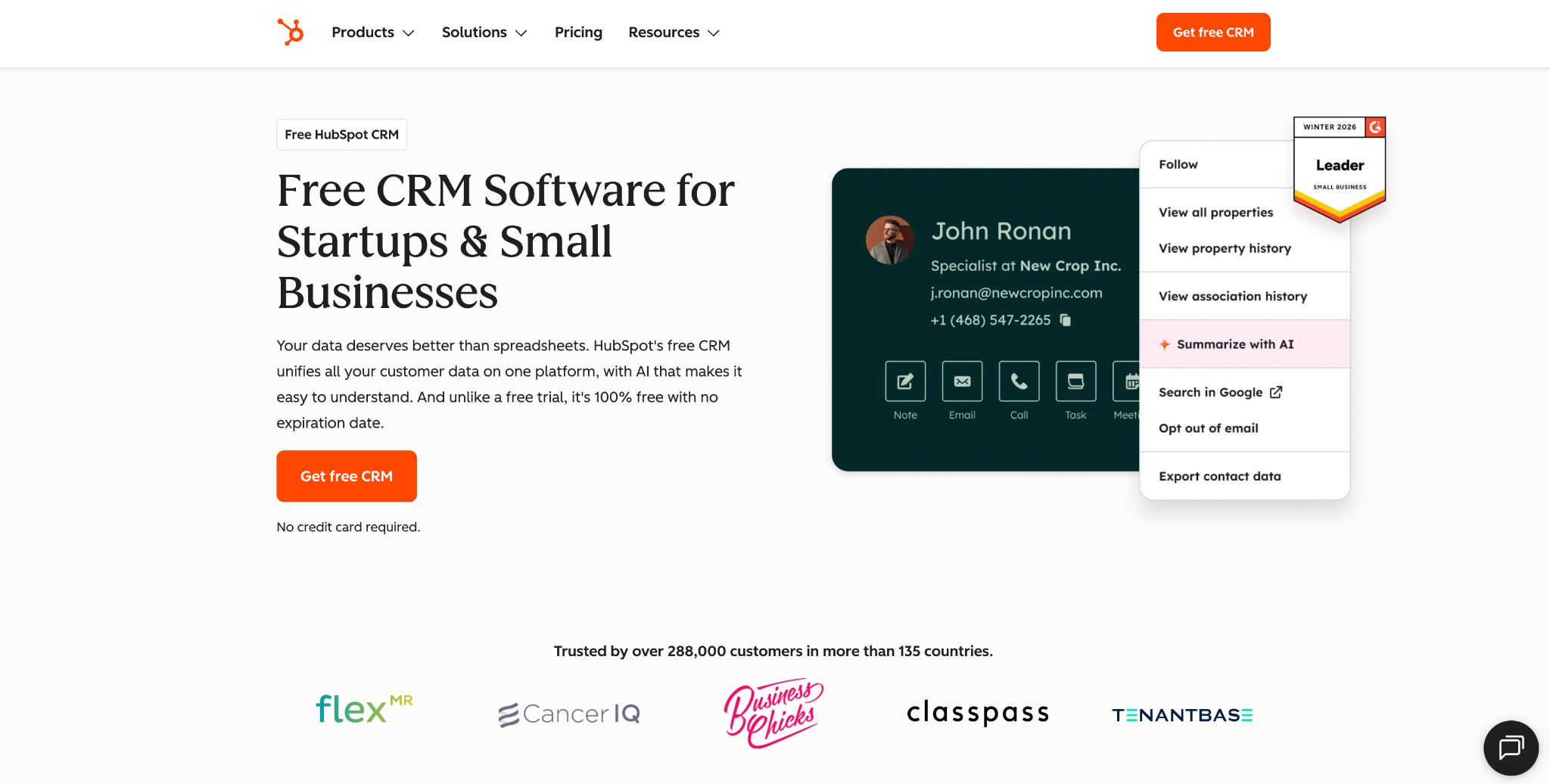
HubSpot CRM is practical customer management software for tracking contacts, leads, deals, emails, calls, and follow-ups.
A small business can use it to see where each lead came from, who owns the next step, and which deals are moving forward. Contact records can store notes, emails, forms, tasks, and sales activity.
The tool works best when the team keeps records current. Every lead should have a source, status, owner, and next action.
9. Buffer
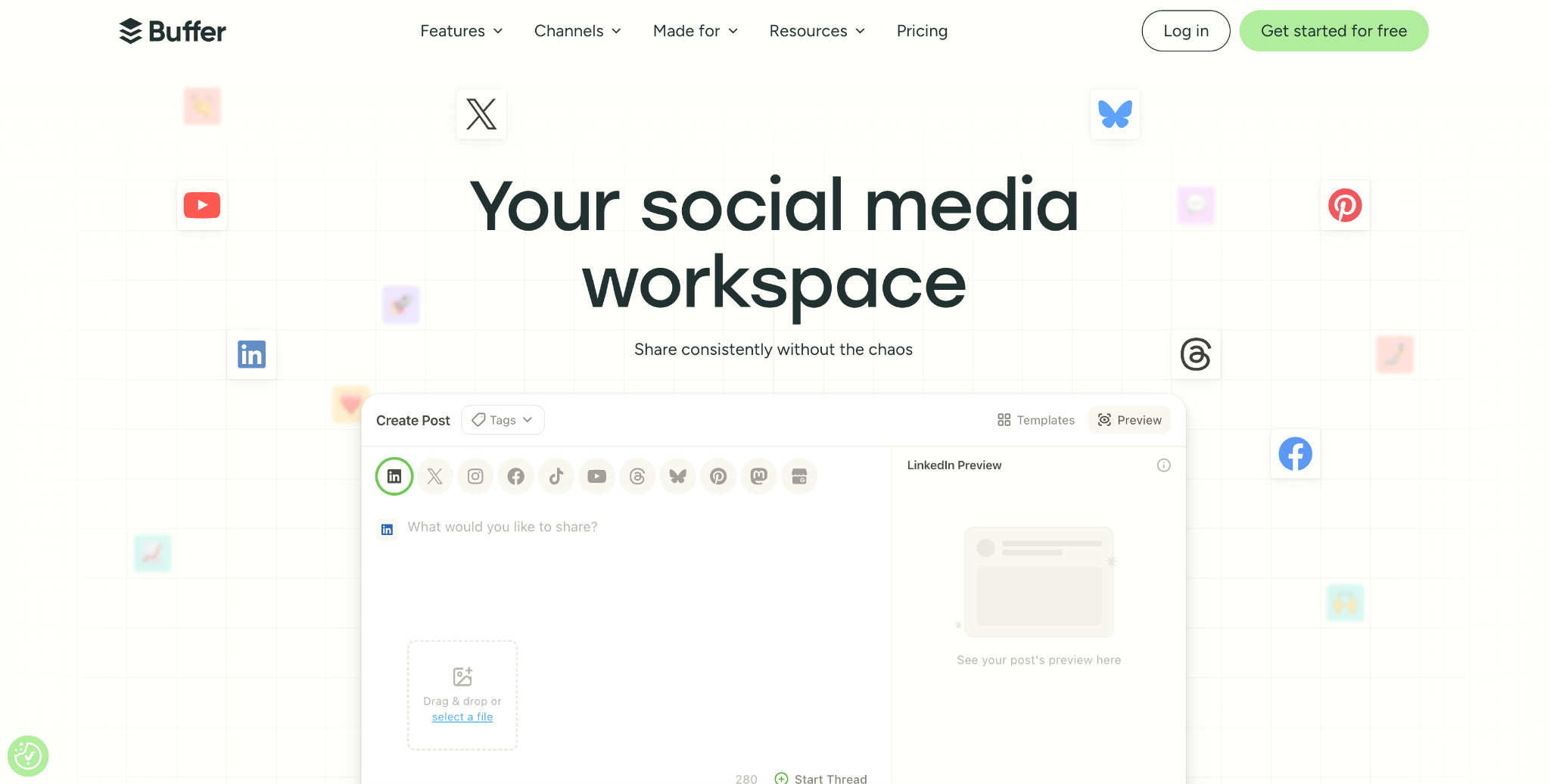
Buffer is one of the easiest social media tools for business. It helps plan, schedule, and publish posts across different platforms.
For small teams, Buffer saves time because posts can be prepared in batches instead of written one by one each day. A business can plan a week of updates, schedule them, and then check which posts brought clicks, comments, saves, or messages.
It is a good choice for teams that need regular posting but do not need a large social media management system.
10. Canva
Canva is one of the most useful content tools for small business owners. It helps create social graphics, presentations, flyers, ads, thumbnails, simple videos, and branded documents.
A business can create reusable templates for sale posts, customer quotes, product updates, event announcements, and lead magnets. Brand colors, fonts, and layouts can be saved, so new materials are faster to make.
Canva is especially helpful when the business needs regular visual content but does not have an in-house designer.
Final Thoughts
A good tool setup starts with the work that slows the business down most. If tasks get missed, Trello or Asana can help bring deadlines and owners into one place. If financial tracking takes too much manual work, QuickBooks or Xero can make invoices, expenses, and reports easier to manage. If customer follow-ups get lost, HubSpot CRM gives leads and deals a clearer structure.
For marketing and content, Buffer, Canva, Google Workspace, and Movavi Video Editor can help a small team plan, create, edit, and publish materials without building an oversized workflow. Pick tools that solve specific problems, set simple rules for using them, and review the setup after a few weeks.